Document and preserve details of an incident: Incident Report
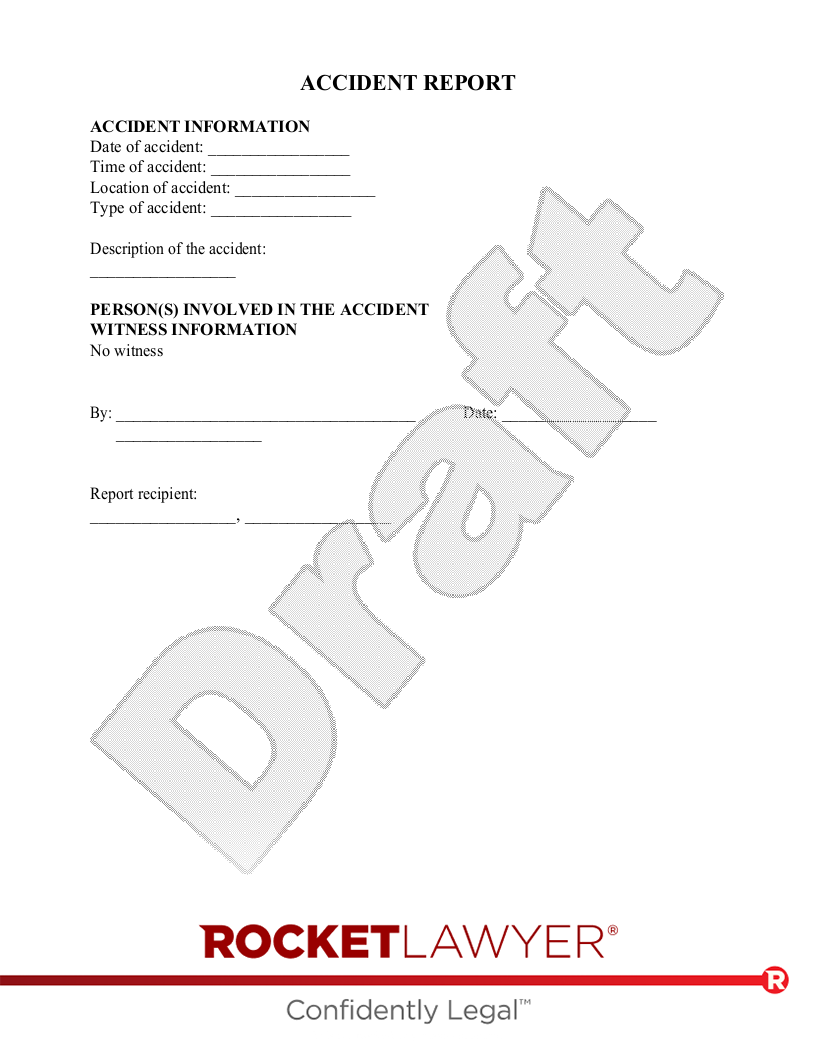
What is an Incident Report?
Incident Reports help you document the details of any event that occurs. The information included in an Incident Report can be helpful to provide the parties involved with the details of the event for recordkeeping or future recommendations. It's easy to forget key details if too much time passes after an incident, so an Incident Report should be completed as soon as possible while the details of the event are fresh in the minds of the involved parties or witnesses.
Using an Incident Report helps you keep track of important information surrounding an unusual or unexpected event and allows you to make recommendations to help prevent future incidents. In addition to recordkeeping, Incident Reports can also help businesses or individuals take the steps needed to mitigate or prevent future damage. No matter how minor an incident is, it can be helpful to take note of the details as soon as it occurs by filling out an Incident Report.
When to use an Incident Report:
- You are responsible for creating reports on incidents.
- You are an employee who needs to report an incident you have witnessed.
- You need to create reporting policies for your business.
How do I get my Incident Report reviewed?
If you already have an Incident Report and want to have it reviewed, or if you have questions about creating or using one, there are a few ways to get help.
Use Rocket Copilot to ask questions or review your document; this helps you better understand what it says and identify anything that may need a closer look.
If you are looking for help from a Legal Pro, you can also ask a question and receive a response within one business day, or request a more in-depth document review.
Sample Incident Report
The terms in your document will update based on the information you provide
 This document has been customized over 30.1K times
 Documents and communicates
 Consult an Attorney to ask questions or review your document
 Sign this document online for free with RocketSign®
REPORT
INFORMATION
Date of :
Time of :
Location of :
Type of :
Description of the :
PERSON(S) INVOLVED IN THE
Name:
| Address: |
| , |
Phone Number:
E-mail Address:
Status:
WITNESS INFORMATION
| By: | Date: |
Report recipient:
,


